
It's not often a game successfully merges the high-octane thrill of street racing with the mystical depth of a supernatural action RPG. Yet, Hotta Studio's latest project, Neverness to Everness (NTE), is doing exactly that—and the PC gaming community is hooked.
If you've been looking for an immersive open-world experience that lets you customize hypercars by day and banish cosmic anomalies by night, NTE is the game you need to download. Here is our complete review and step-by-step walkthrough on how to get started on Windows.
The Hook: A City Driven by Supernatural Anomalies
NTE takes place in Hesperia City, a breathtaking neon metropolis that feels like a cross between Tokyo and a cyberpunk fantasy. The catch? The city is plagued by anomalies—everyday objects that mutate into chaotic, gravity-defying entities due to supernatural interference.
As an Anomalist, you are tasked with investigating these strange occurrences. You'll run into oddities like floating vending machines, reality-bending traffic lights, and monsters born of urban legends. The narrative strikes a perfect balance between lighthearted city life and high-stakes supernatural mystery.

The Gameplay: Action-Packed Combat Meets Deep Simulation
What makes NTE stand out from typical action RPGs is its dual-loop gameplay:
- Supernatural Combat: Swap between up to three characters in real-time. Combine elemental attributes like Cryo, Pyro, and Volt to trigger chain reactions that break enemy shields. Each character possesses an "Anomaly Ability" that alters the battlefield, from gravity spheres to time-warping bubbles.
- Urban Life Simulator: Buy apartments, furnish them with fully interactive furniture, and manage your custom car collection. The driving physics are satisfyingly arcade-like, letting you drift through busy Hesperia intersections and participate in underground street races.
Pro Tip: Maximizing Team Synergies
Before launching into anomaly cleaning missions, ensure your team contains at least one shield-breaker (heavy weapon) and one elemental activator. Triggering a "Volt-Cryo" fusion instantly freezes enemies while draining their posture gauge!
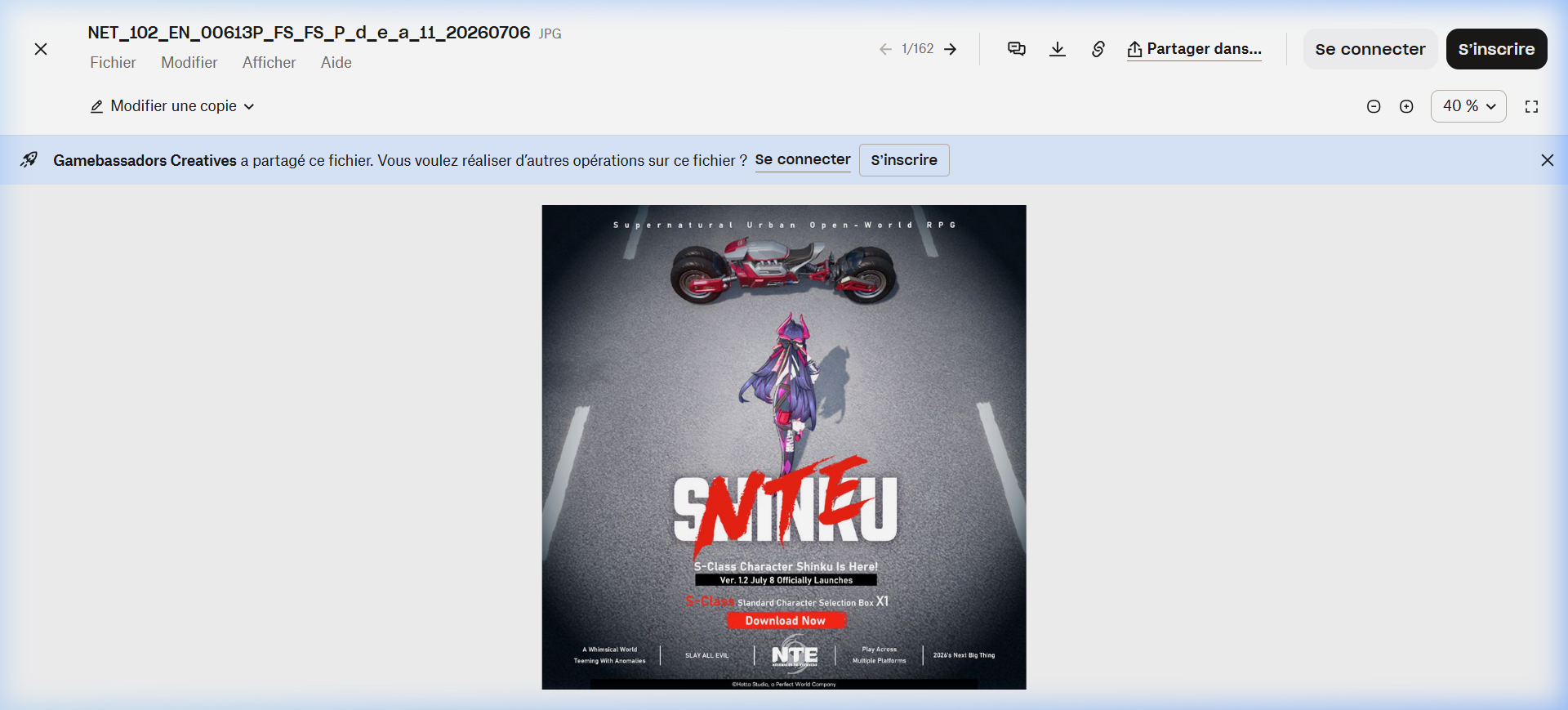
How to Play Neverness to Everness on PC
Ready to jump into Hesperia City? Follow this quick installation guide to set up the client securely and start playing for free:
- Visit the Official Portal: Click the button below or use our partner link to navigate to the official NTE Download Page.
- Create Your Free Account: Enter your email address and verify it to create a Perfect World Games ID.
- Download the Launcher: Click the "Download PC Client" button to fetch the official setup package (`NTE_Setup.exe`).
- Install & Play: Run the installer, select your preferred installation directory (SSD highly recommended for seamless map loading), and launch the game to start customizing your Anomalist!